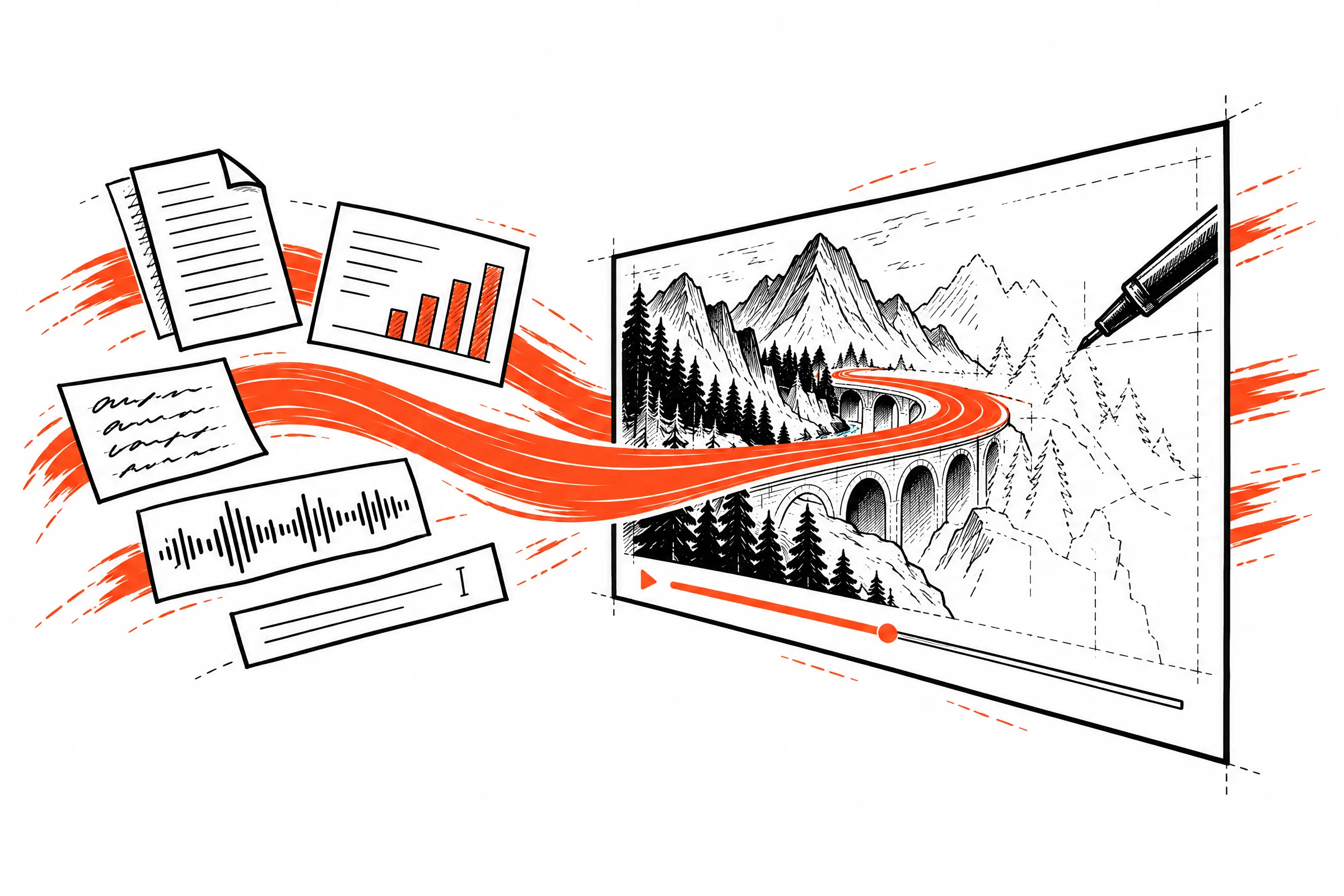
Ask any question, or drop in notes, slides or a script. Ivan writes, draws and narrates it.
Seewhatwordscanbecome.
Can’tClaudeorChatGPTdothis?
The question
“What happens to your money after you put it in a bank?”
Same task, one try, unedited.
Read the brief
Sent word for word to all four
Make a narrated explainer video that answers this question: "What happens to your money after you put it in a bank?"
Length: about one minute. 720p 16:9 MP4 with voice narration.
Work on your own from start to finish without asking me anything.
Cost to make one
Ivan
1×
GPT-6 Astra
17×
Claude Opus 5.5
20×
Ivan is the baseline. NotebookLM is included in Google’s plans.
It takes them over twenty minutes, at up to twenty times the cost.
TheyshouldcallIvan.
Theexplainervideo layerforAI.
One request from your agent or your product. Ivan writes, draws and narrates the answer, then hands back a film, its captions and a link to share.
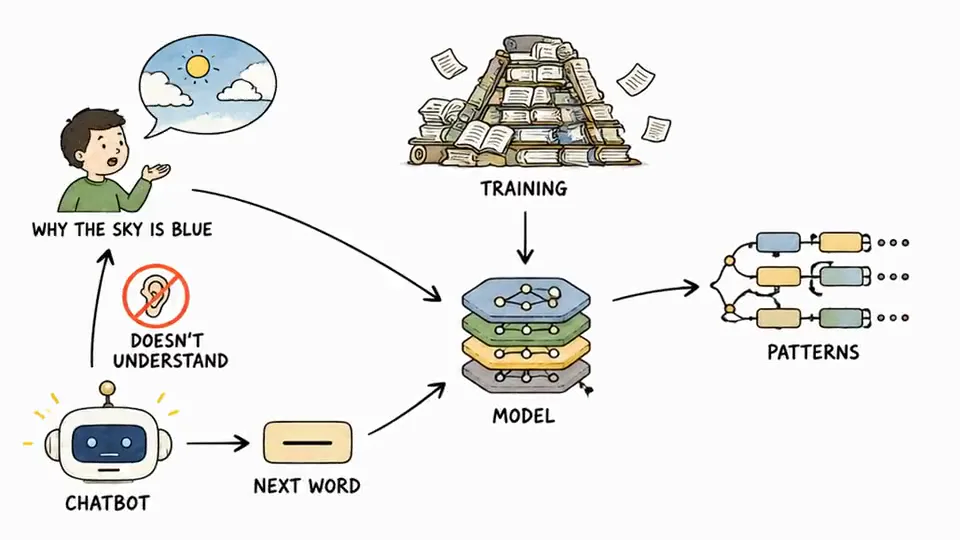
curlhttps://api.tryivan.com/v1/videos\-H"Authorization: Bearer $IVAN_API_KEY"\-H"Idempotency-Key: $(uuidgen)"\-H"Content-Type: application/json"\-d'{"prompt":"How do AI chatbots actually answer your questions?"}'
1:47completedfilm, captions, transcript, share link
Towardsaworldthatspeaksinvideo.
When explanations take moments, they belong everywhere.
For curious minds
Make sense of anything you’re curious about.
For educators & teams
Turn the deck, PDF or script you already have into something others understand.
For builders & agents
Give your product, or your agent, a way to explain itself.
You can watch every example on this page without an account. Making videos is invite-only for now: write your idea, press Request an invite, and leave your email. Ivan keeps your idea for when your invite arrives.
Can I upload a document?
Yes. Attach up to 5 files: PDF, Word, PowerPoint, images and text, each up to 24 MB (Word and PowerPoint 25 MB; PDFs up to 20 pages, decks up to 60 slides). Drop them on the prompt box, or paste a screenshot or long text. Attach a script and Ivan follows it closely; attach notes or slides and Ivan explains from them. Spreadsheets aren’t supported yet.
How long are the videos, and how fast are they made?
Ivan picks the length from your question. Want a particular length? Ask for it in your own words, like “in about two minutes”, and Ivan follows it. Generation time varies with the question, length, and service demand; the studio shows progress as scenes become ready.
Can I edit a video after it is generated?
Yes. Open your video and pick any drawing to move, resize, hide or recolour it, or say how it should change. You can also rewrite a line of the script, or choose the word a drawing appears on. Every change makes a new version, and your earlier version stays available.
Can my agent or my product use Ivan?
Yes, through the API. Send a prompt, wait for the video, then fetch the film, its captions, a transcript and a poster, or share it by link. Every key has a monthly spending cap. The API takes a prompt for now; files are attached on the site. A connector for Claude, ChatGPT and Cursor is next. Read the API docs.
What does it cost?
From $0.20 for each minute of finished video, charged for the length that is delivered. A video that fails is not charged, and edits are free. See pricing.
Who can see my videos?
A video is private to your account until you share it. Sharing gives it a page anyone with the link can watch; stop sharing and the page stops answering at once. Read the privacy notes.